Free Screenshot to PDF Report Builder for Chrome
Turn scattered screenshots into professional bug reports and client PDFs in seconds — no account required.
Free for Chrome • No account required • Works offline
Trusted by 1,000+ developers and QA engineers
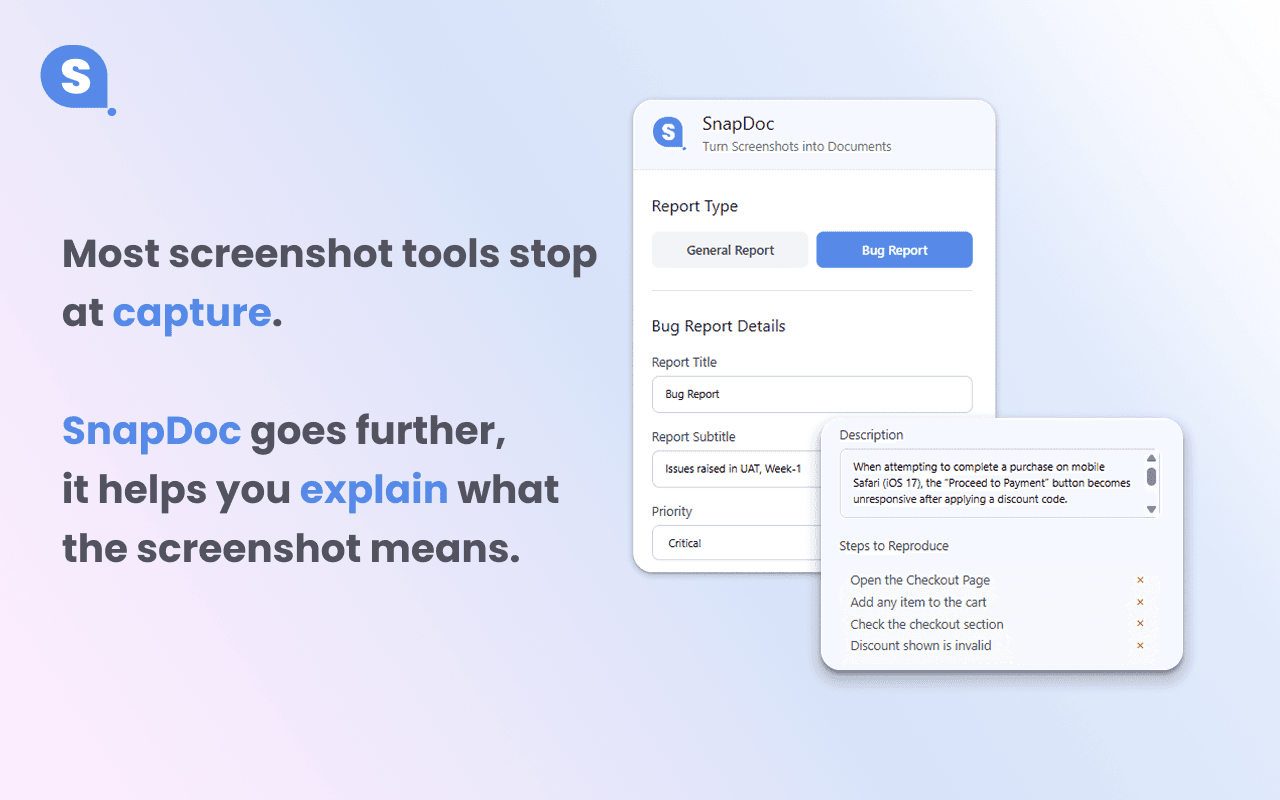
Screenshots shouldn't be this painful
Scattered files, missing context, inconsistent formatting. Your documentation deserves better.
Before SnapDoc
- Screenshots buried in Downloads folder
- No context or descriptions saved
- Manual copy-paste into documents
- Inconsistent formatting and layouts
- Hours spent on formatting
Messy Desktop
Screenshot_1234.png
Screenshot_5678.png
Screenshot_final_v2.png
With SnapDoc
- Organized screenshots with metadata
- Context captured at the moment
- One-click PDF export
- Professional, consistent layouts
- Save hours every week
Professional Report
✓ Titled & Organized
✓ Annotated & Tagged
✓ Ready to Share
How It Works
From screenshot to professional report in four simple steps
Capture Screenshot
Click the extension icon and capture any part of your screen instantly
Annotate
Add arrows, highlights, and text annotations to highlight key details
Add Context + Layout
Write descriptions, add tags, and arrange images in professional layouts
Export as PDF
Generate a beautifully formatted PDF report ready to share
Everything you need for visual documentation
Powerful features designed to make screenshot documentation effortless and professional
Screenshot Capture
Capture full screen, window, or custom selection with a single click. Works seamlessly across all tabs and windows.
Annotation Tools
Add arrows, shapes, text, highlights, and more. Mark up your screenshots to communicate clearly.
PDF Page Layout Editor
Drag-and-drop interface to arrange images. Choose from single, grid, or custom layouts for perfect presentation.
Rich Metadata
Add titles, descriptions, tags, and timestamps. Keep context and search your documentation easily.
Multi-Image Layouts
Combine multiple screenshots in professional grids. Show before/after, comparisons, or step-by-step guides.
Live Preview
See exactly how your PDF will look before export. What you see is what you get—every time.
Professional reports, zero effort
Generate beautiful, branded PDF reports that look like they took hours to create
Bug Report: Login Flow Issue
Issue discovered during QA testing on January 15, 2026
Description
Users are unable to complete the login process when using social authentication. The error appears after clicking "Continue with Google" and persists across multiple attempts.
Screenshots
Login Screen
Error Message
Console Log
Network Tab
Steps to Reproduce
- Navigate to login page
- Click "Continue with Google" button
- Complete Google authentication
- Observe error message on redirect
Built for knowledge workers
Whether you're fixing bugs or building presentations, SnapDoc adapts to your workflow
Developers & QA
Document bugs, test cases, and feature implementations with annotated screenshots and detailed context.
Common uses: Bug reports, API testing, code reviews
Designers & Product Teams
Create design handoffs, user flow documentation, and feedback reports with visual clarity.
Common uses: Design specs, user research, product demos
Students & Researchers
Capture research findings, create study guides, and document experiments with organized visuals.
Common uses: Study notes, research papers, tutorials
Consultants
Build client reports, document processes, and create professional deliverables quickly.
Common uses: Client reports, audit trails, training materials
We're just getting started
Exciting new features in the pipeline to make SnapDoc even more powerful
WYSIWYG Editor
Full rich-text editing with drag-and-drop images, tables, and formatting controls
Scenario-Based Templates
Pre-built layouts for bug reports, QA testing, design reviews, and more
Multiple Export Options
Export to PDF, Markdown, HTML, or share directly via link
What users say about SnapDoc
Developers and QA engineers use SnapDoc for bug reports and visual documentation.
“SnapDoc cut our bug report turnaround in half. Devs actually read the reports now because of the annotated screenshots.”
“I use it for client deliverables every week. One PDF instead of a dozen scattered screenshots—so much cleaner.”
“Finally a Chrome extension that does screenshot to PDF properly. Free and no account? No-brainer for our team.”
Have feedback? We'd love to feature your quote—reach out and tell us how you use SnapDoc.
Frequently asked questions
Quick answers about our screenshot tool and PDF report builder
What is SnapDoc?
Is SnapDoc free to use?
How do I create a bug report with SnapDoc?
Can I use SnapDoc for screenshot documentation?
Does SnapDoc work offline?
Does SnapDoc store my screenshots?
Can I use SnapDoc for free forever?
Does SnapDoc work on all websites?
Ready to transform your screenshots?
Join 1,000+ users on the Chrome Web Store who use SnapDoc for bug reports and PDF docs